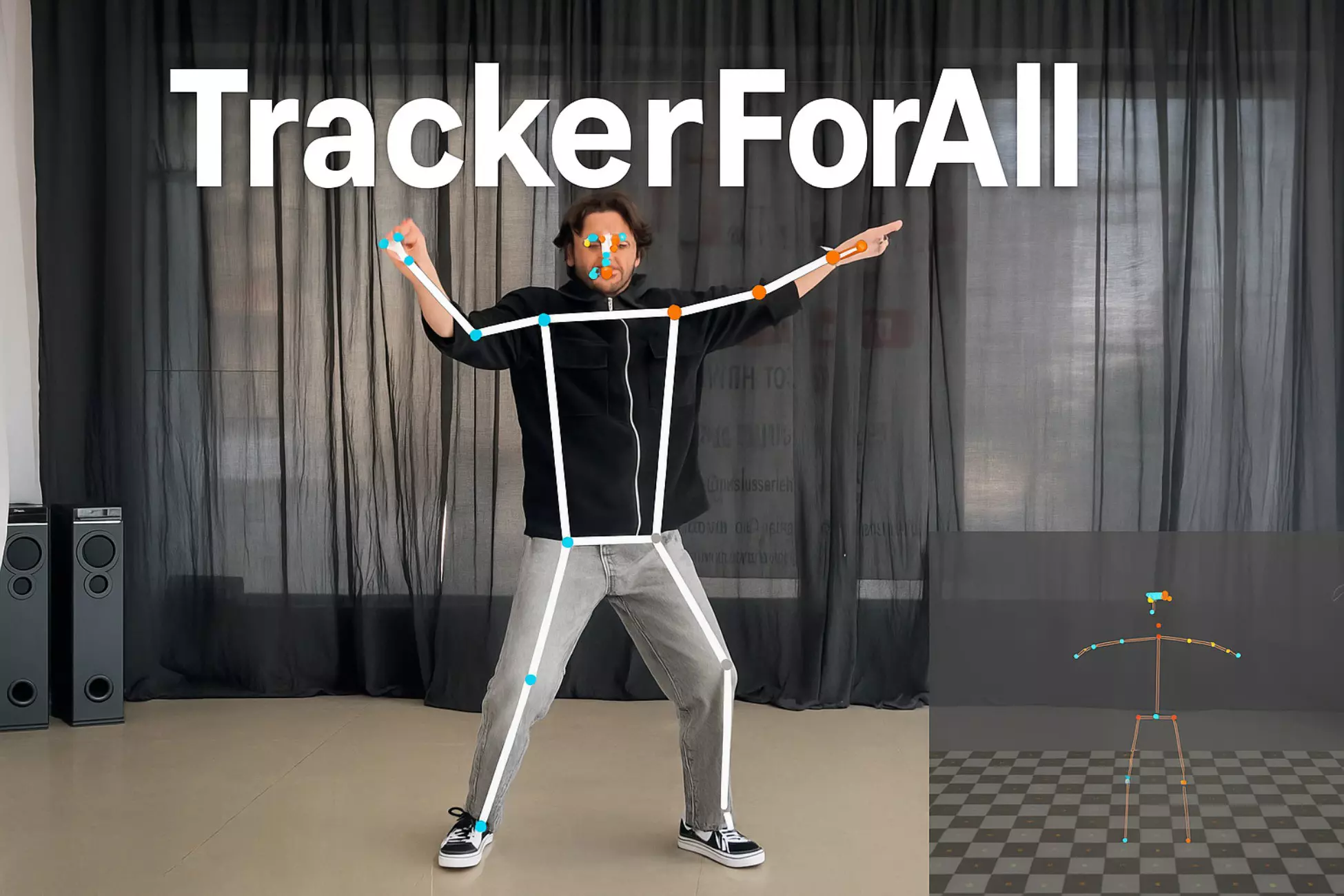
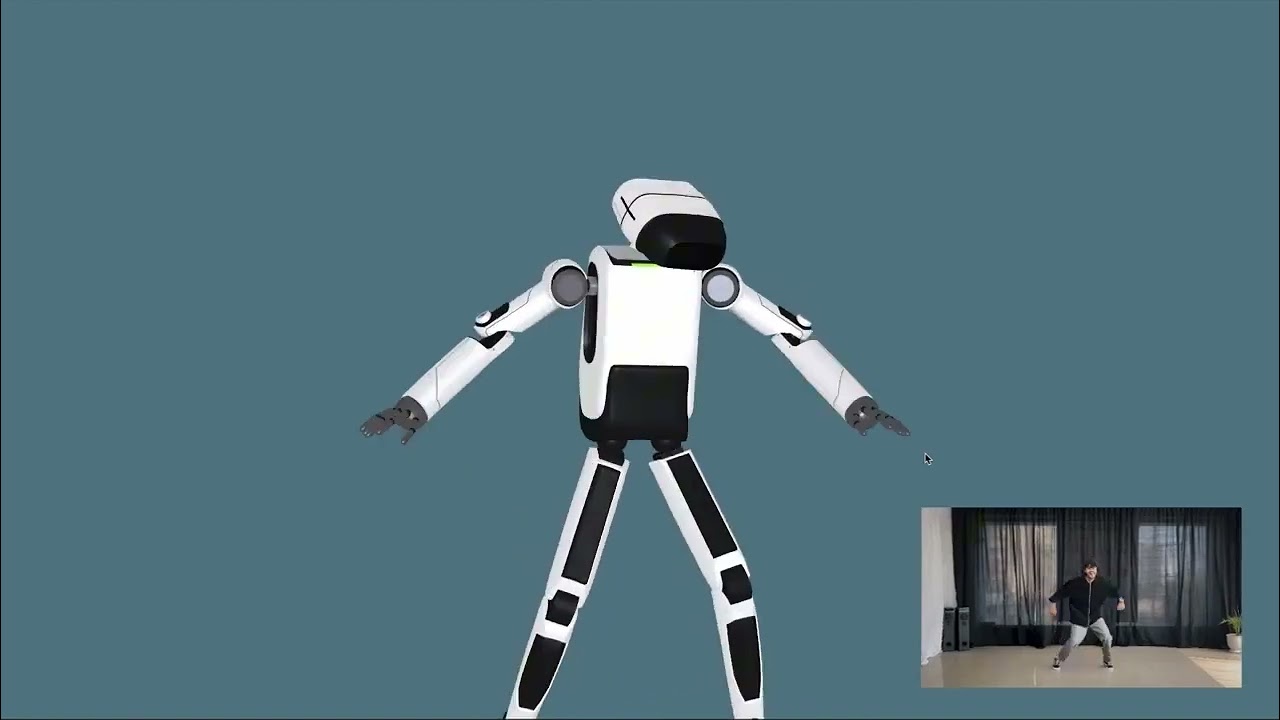
TrackerForAll is a complete real-time human tracking toolkit for Unity developers. It detects human pose, face, hand, iris, and segmentation data using only an RGB camera — no depth sensors or additional hardware required.
TrackerForAll works with webcam or video input and supports Windows, macOS, Linux, Android, and iOS (with additional camera setup for mobile platforms).
Using detected landmarks, developers can:
- Animate humanoid avatars
- Replicate facial expressions
- Perform gesture-based interactions
- Build advanced AR/VR experiences
The system is configurable via the Unity Inspector and can run at up to 60 FPS depending on platform and model selection.
https://www.youtube.com/watch?v=ToRI0h8-RVs
-
Pose Tracking
Real-time body landmark detection for posture analysis and avatar animation.
Outputs both 2D image coordinates and 3D world coordinates. -
Face Tracking
Detects facial landmarks including eyes, nose, and mouth from live video. -
Face Mesh Tracking
Tracks 3D face landmarks and blendshape scores for expressions, avatars, and effects. -
Full Body Tracking
Provides 543 landmarks combining body, face, and hands for holistic motion capture. -
Hand Tracking
Detects hand landmarks, world coordinates, and handedness (left/right) for gesture control. -
Iris Tracking
Tracks eye iris movement in real time, ideal for lens try-on and eye-based interaction. -
Hair Segmentation
Real-time hair segmentation for virtual coloring and styling. -
Selfie Segmentation
Separates users from backgrounds for virtual backgrounds, blur, and AR effects. -
Avatar Support
Works with any humanoid avatar (including ReadyPlayerMe).
Supports auto-scaling, IK/FK constraints, and motion smoothness control. -
Cross-Platform
Supports Windows, macOS, Linux, Android, and iOS (with mobile camera configuration).
- Virtual Try-On (clothes, makeup, hair, contact lenses)
- Motion-Based Games
- Gesture-Based UI Interaction
- Humanoid Avatar Animation
- Face, Hand, and Pose Detection
- Avatar Motion Capture (Mocap)
- Creating Avatar Dance Videos from YouTube
- Fitness and Training Avatars
- AR/VR Virtual Presence Systems
- Live Streaming & Avatar Puppeteering
- Interactive Education & Training
- Remote Collaboration with Avatars
- Open Unity and create a new scene.
- Add an Orthographic or Perspective camera.
- Navigate to the Prefabs folder.
- Drag TrackerForAll into the scene hierarchy.
- Import a humanoid avatar (e.g., ReadyPlayerMe).
- Set the avatar rig type to Humanoid in Import Settings.
- Add the avatar to the scene.
- Navigate to TrackerForAll > Solution.
- Configure ML model scripts:
- Input source (webcam / video)
- Model type
- Inference mode
Attach the AvatarMocap script to your avatar and configure:
| Field | Description |
|---|---|
| Scale Factor | Adjusts avatar scale to match human |
| Visibility Threshold | Landmark visibility threshold |
| Smoothness | Controls motion interpolation |
| In Place | Keeps avatar position fixed or movable |
| Match Scale | Auto-resizes avatar based on distance |
| Skeleton Parent | Parent transform for landmarks |
- Refer to demo scenes for additional trackers and configurations.
- PoseTrackingDemo – Body pose tracking & avatar animation
- FaceTrackingDemo – Face detection & landmarks
- FaceMeshDemo – 3D face mesh & expressions
- FullBodyTrackingDemo – Combined body, face, and hand tracking
- HandTrackingDemo – Gesture-based interaction
- IrisTrackingDemo – Iris tracking & lens try-on
- HairSegmentationDemo – Virtual hair coloring
- SelfieSegmentationDemo – Background removal & effects
- AvatarMocap – Avatar motion capture from webcam/video
- BodyTracking – Full avatar pose replication
- Use Lite models for Android/iOS
- Use low-resolution input when possible
- Ensure good lighting conditions
- Tune Visibility Threshold and Smoothness for natural motion
- Disable unused trackers to improve FPS
This GitHub repository contains documentation only.
Source code is provided exclusively with a commercial Unity Asset Store license.
All rights reserved.
📧 Email: realmoctopus@gmail.com
🛠 Support: Contact via the TrackerForAll Unity Asset Store page
TrackerForAll is a complete, cross-platform human tracking solution for Unity —
built for AR, VR, avatars, motion capture, and interactive experiences.